
Basics on home network segmentation
Networks are designed to allow information to flow from one device to another and therefore can be easily misused to steal or even wipe such information from unsuspecting victims...
This post is not intended to breakdown implementation or execution of network segmentation. Rather, it seeks to inform you on important considerations when it comes to home network philosophy and some helpful hints on making more secure setup choices.
As I began my journey into the deep and complicated world of network security, I had the opportunity to interface with some of the top network security engineers, threat hunters, and product experts early on in my career. It never ceased to amaze me; the ingenuity of Advanced Persistent Threat (APTs) developing novel ways to infiltrate, exfiltrate, infect, take down, and wipe infrastructure on a never-ending basis. It wasn't until I experienced an attack on my personal devices that I began to take my own personal cybersecurity seriously.
Why network segmentation?
Networks are designed to allow information to flow from one device to another and therefore can be easily misused to steal or even wipe such information from unsuspecting victims. The rise of "smart" devices (aka Internet of Things (IoT) devices) opened up entire new avenues for data eavesdropping and collection.
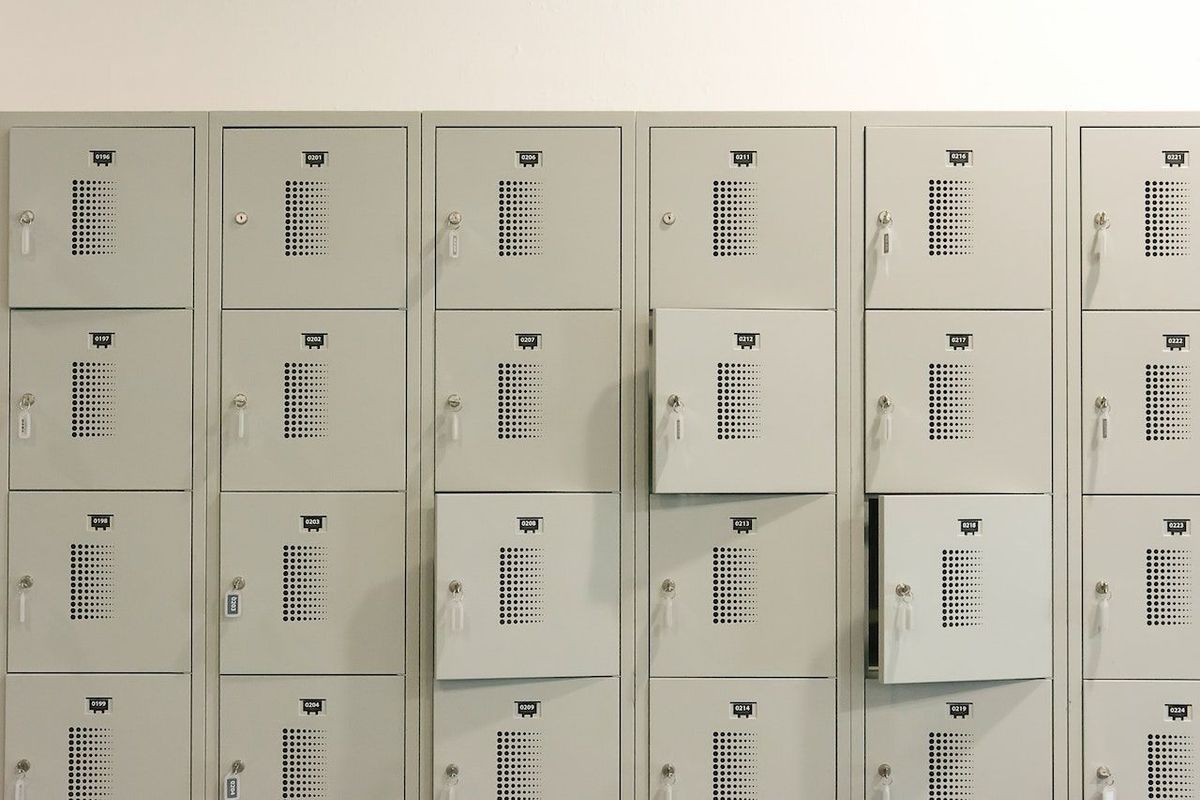
Network segmentation is like designing neat, tidy containers for your digital life. You can think of them like lockers, with access controls and intentional barriers. Network segmentation allows you to set policies based on network segment instead of an "all or nothing" approach that most consumers currently take. And it helps protect you from all those dumb "smart" devices that may be secretly trying to connect and syphon data from your other unsuspecting devices.
Here's one approach to building a home network segmentation setup:
- Your personal network - a network designed for personal computers and personal devices (like iPhones and iPads) to utilize
- Work network - a network solely for use by my work machines, which includes rules to block connection attempts to other network segments. Boundaries are good for both parties.
- IoT network - a network for creepy smart devices you shouldn't trust - like smart TVs, security cameras, smart toasters, smart toothbrushes (tip: if it has "smart" in the name, it belongs on this segment)
- Guest network - a network for anyone who isn't an immediate member of your household
The beauty of network segmentation is that inevitably when something goes wrong, the segmentation you've created will help to isolate the "blast radius" to only that network. For example, if one of your IoT devices were to become compromised, they still would not be able to access anything else except a handful of other IoT devices. In my preconfigured network policies, I do not allow any IoT device to make connections out into the world.
Naming conventions
It's worth noting that when it comes to naming your network segments, it is not a good idea to name them literally. If there is any one piece of information you retain about your personal cybersecurity, let it be this: assume the cyber criminals are smart. So if you put yourself in the mind of a cyber criminal, they are obviously going to go after the higher value targets first.
In the example I gave above, they would likely see your work network as the most high value target. Remember: most data breaches and compromises are cause by human error. As an additional layer of security, its best to name your networks randomly and not allude to which network serves which function.
Implementation and caveats
The thing about upping your security is that inevitably you're going to break things. An unfortunate reality of segmented networks is that leveraging convenient technologies - such as casting from an iPhone to an Apple TV - may no longer work. I also run application-layer blockers on some of my networks that prevent data from being transferred to or from certain known surveillance technology firms, which eerily breaks about 60% of my online experiences.
When to block vs. when to drop
When configuring my home firewall policies, I learned the different between blocking and dropping – and why the better answer is probably not what you think.
- Blocking - blocking a connection sends back an acknowledgement and says "you're not allowed to access me"
- Dropping - dropping a connection does not send back a response, it is the equivalent to being invisible
Though people may disagree with my philosophy of security through obscurity, when it comes to combatting sophisticated and educated attackers, it's up to you to decide before and during your firewall policy configuration. Would you rather tell the attacker you have something worth defending, or avoid the attack altogether by intentionally remaining invisible? In my previous post, my policy implemented a "drop" method to protect me against a spear phishing link in the wild (ITW). Interestingly, it was the only attack of its kind without a re-occurence to date.
There is no right or wrong way to segment your home network. I hope that by understanding the considerations outlines and thinking through your own strategy, you can help your entire household achieve a better security posture.
Shields up.